RESOURCES
Architectural Photography Resources, Lightroom Workflows & Scotland Location Guides | Jim Scott
When it comes to photography, there is an abundance of information out there from a variety of sources covering a range of topics such camera techniques, equipment or post processing. What you want or need to learn will very much be influenced by your respective interests and how much time and financial commitment you intend to make. The intention of this section is provide an insight into my personal approach to photography and some of the knowledge and experience I have gained in my pursuit of my work. It should not be regarded as the definitive word on any of the subject matter listed as more often there are many ways to achieve the same outcome but hopefully it will provide you with some information that you may not know already or reaffirm what you have learned previously. Any cameras, associated gear or software referred to in these guides are not subject to any sponsorship by any company or individual and are merely referenced based on my own use from personal purchases. All the guides are free and can be read online or downloaded and kept for future reference so I hope they will be of some benefit to you.
HOW TO GUIDES
IMAGE MANAGEMENT WORKFLOW
This guide offers a structured approach to managing images from import through to final storage when utilising Adobe’s Lightroom, Bridge and Photoshop.
CUSTOMISING MENUS IN PHOTOSHOP
This short guide will take you through a few short steps which will allow you to customise Photoshop’s menus to only show the menu options you want for your editing workflow.
REMOVING CHROMATIC ABERRATION
Removing chromatic aberration is a an important step in the processing workflow. This guide discusses the various methods that can be utilised when working within Adobe Lightroom, Camera Raw or Photoshop.
MANUALLY ALIGNING AND BLENDING LAYERS
This guide covers the steps to take when you need to combine and blend images together in Photoshop to produce a working image in order to fully process your image.
CONVERTING TO BLACK AND WHITE
This short guide discusses 11 methods to convert to black and white utilising Photoshop with the advantages and limitations to each of these methods highlighted.
CREATING ACTIONS FOR DODGING AND BURNING
Using actions within Photoshop is a feature that lets you record a set of manual series of steps which then can be used again when required. This short guide details how to create a set of Dodging and Burning actions.
DIGITALLY FRAMING IMAGES
How an image is presented and shared is very much a personal choice. One approach to this is to digitally frame images for sharing online.This short guide details 14 methods to digitally frame images using Photoshop.
Architecture Locations
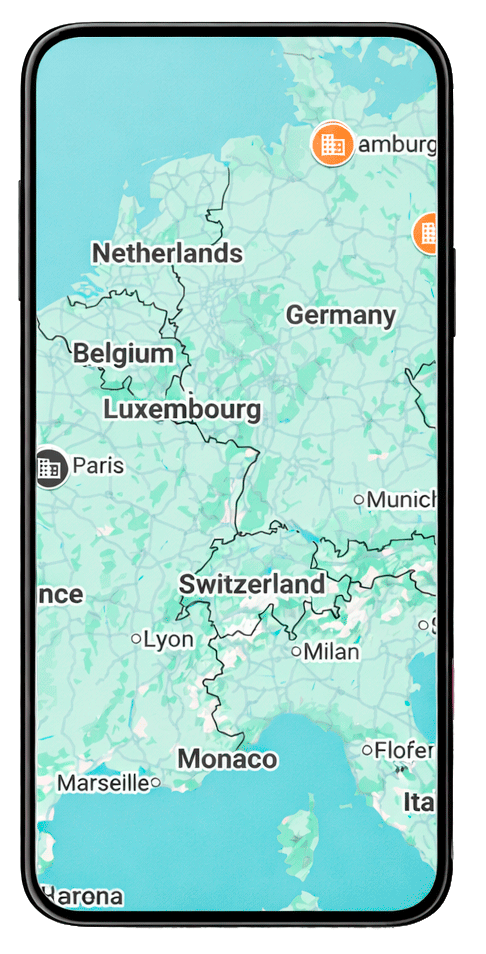
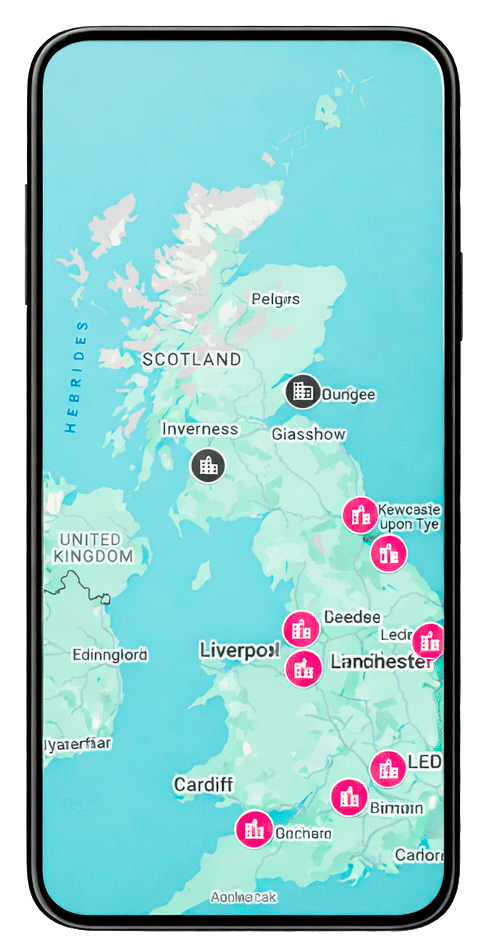
These maps have been created to provide the locations of where I have captured my architectural images. Clicking on a pin will provide details of where I established my composition with the approximate position marked which can be viewed on Google Maps.
I have also provided information in relation to the particular lens and the focal length I used along with some additional comments that is relevant for each location. Hopefully these will be of assistance for any pre-planning approaches you take in relation to your own photography and will be updated on an ongoing basis.
UK Locations
Non-UK Locations